
Designing Mobile-First Web3 Payments: The Power of Deep-Linking with Xaman Wallet
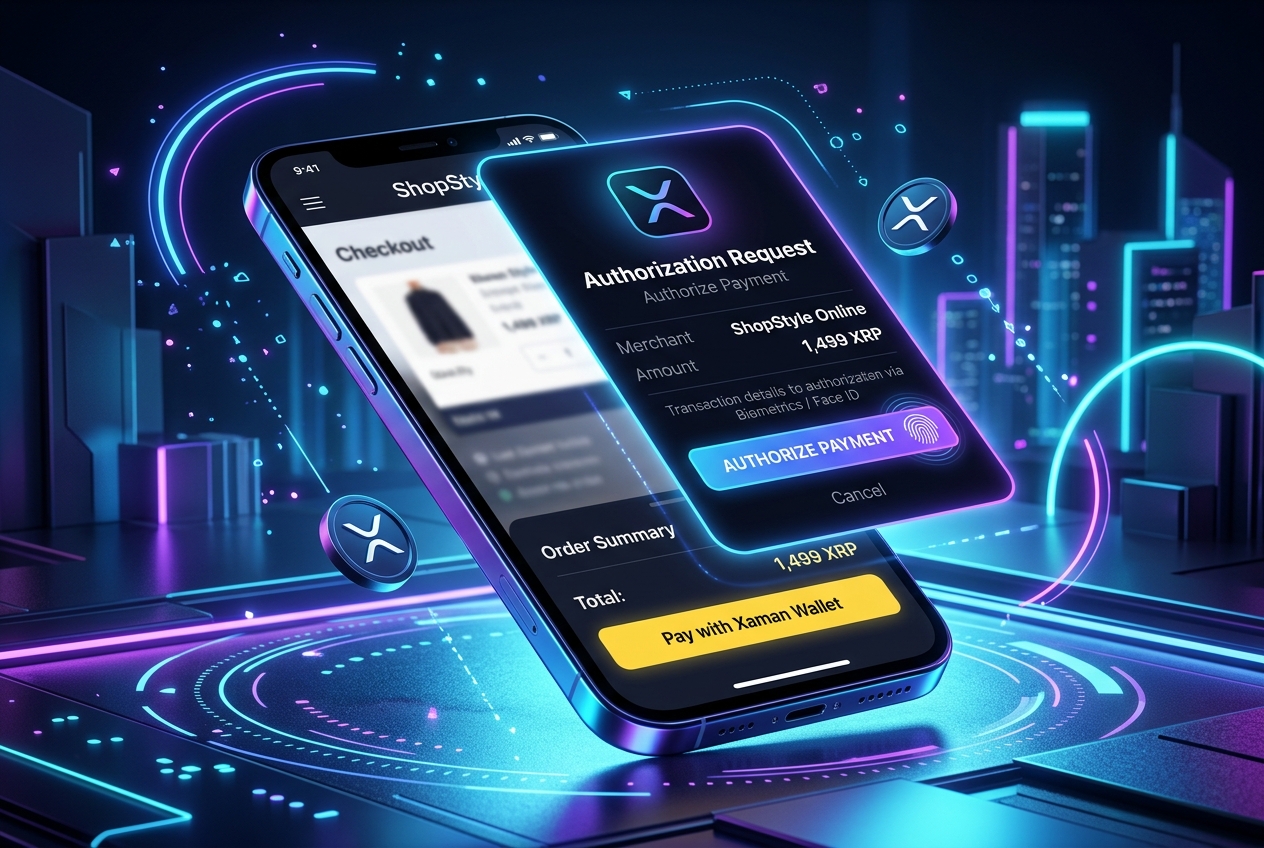
Over 55% of global e-commerce traffic originates from mobile devices. However, Web3 and cryptocurrency checkouts are historically designed for desktop environments, relying on browser extensions like MetaMask.
Forcing a mobile shopper to copy-paste wallet addresses, navigate between apps, or try to run desktop browser extensions on a phone is a recipe for checkout failure. To deliver a conversion-optimized mobile checkout, XRPay leverages the Xaman API to create seamless deep-linking handshakes.
Deep-linking native wallet payloads allows customers to authorize checkout payments with Face ID or biometrics, returning to the merchant site in under 5 seconds.
1. The Mobile Handshake Architecture
Rather than forcing the merchant to interact directly with the client's wallet software, XRPay uses a backend-to-backend integration with the Xaman API.
Here is the step-by-step API integration flow:
const payload = await xumm.payload.create({
  txjson: {
    TransactionType: "Payment",
    Destination: merchantWalletAddress,
    Amount: amountInDropsOrToken, // e.g. USDC trustline payment
  },
  options: {
    submit: true, // Xaman's node will submit the signed tx to the ledger
    return_url: {
      app: "https://xrpay.it/checkout/confirm?session_id=" + sessionId,
      web: "https://xrpay.it/checkout/confirm?session_id=" + sessionId
    }
  }
});
2. Generating the Mobile Redirect Link
The Xaman API returns a JSON payload containing direct deep-link URIs (e.g. xumm://payload/...) and a fallback QR code image.
On mobile viewports, XRPay bypasses the QR code display entirely. It programmatically redirects the buyer’s window straight to the Xaman deep-link URI:
// Detect viewport and redirect to Xaman app natively
if (isMobileDevice()) {
  window.location.href = payload.next.always;
} else {
  // Show desktop modal with payload.refs.qr_png
  displayQrCodeModal(payload.refs.qr_png);
}
3. Real-Time WebSocket Confirmation
While the buyer is signing the payload inside the Xaman app, the merchant’s storefront monitors the status by subscribing to Xaman’s real-time WebSocket channel:
const subscription = await xumm.payload.subscribe(
  payload.uuid,
  (event) => {
    if (event.data.signed === true) {
      // The user signed the payload!
      return event.data;
    }
  }
);

// Wait for signature confirmation
const status = await subscription.resolved;
if (status.signed) {
  // Order marked paid, customer routed back to order confirmation page
  completeCheckout(orderId);
}
4. Why Xaman Deep-Linking Boosts Conversion
- Biometric Security: The user approves the transaction using Face ID, Touch ID, or their passcode within a native, trusted wallet sandbox.
- Elimination of Copy-Paste Errors: Because the payload parameters (amount, destination wallet, memo) are hardcoded, there is zero risk of client errors.
- Instant Re-entry: The
return_urloption ensures that as soon as the ledger writes the block (within 3 seconds), the Xaman app automatically switches the user back to their mobile browser.